Apply for short-term food assistance using Tangelo
Eligible NYP employees experiencing food insecurity can apply to receive nutritional assistance for up to 4 weeks.

1. Determine Eligibility
Start the application by verifying you are an NYP employee; then answer a few questions to see if you’re eligible for the benefit. If eligible, you will receive a text to download the Tangelo App, where you can choose from a selection of healthy food boxes to be delivered directly to your home.
1. Determine Eligibility
Start the application by verifying you are an NYP employee; then answer a few questions to see if you’re eligible for the benefit. If eligible, you will receive a text to download the Tangelo App, where you can choose from a selection of healthy food boxes to be delivered directly to your home.
2. Download
Tangelo
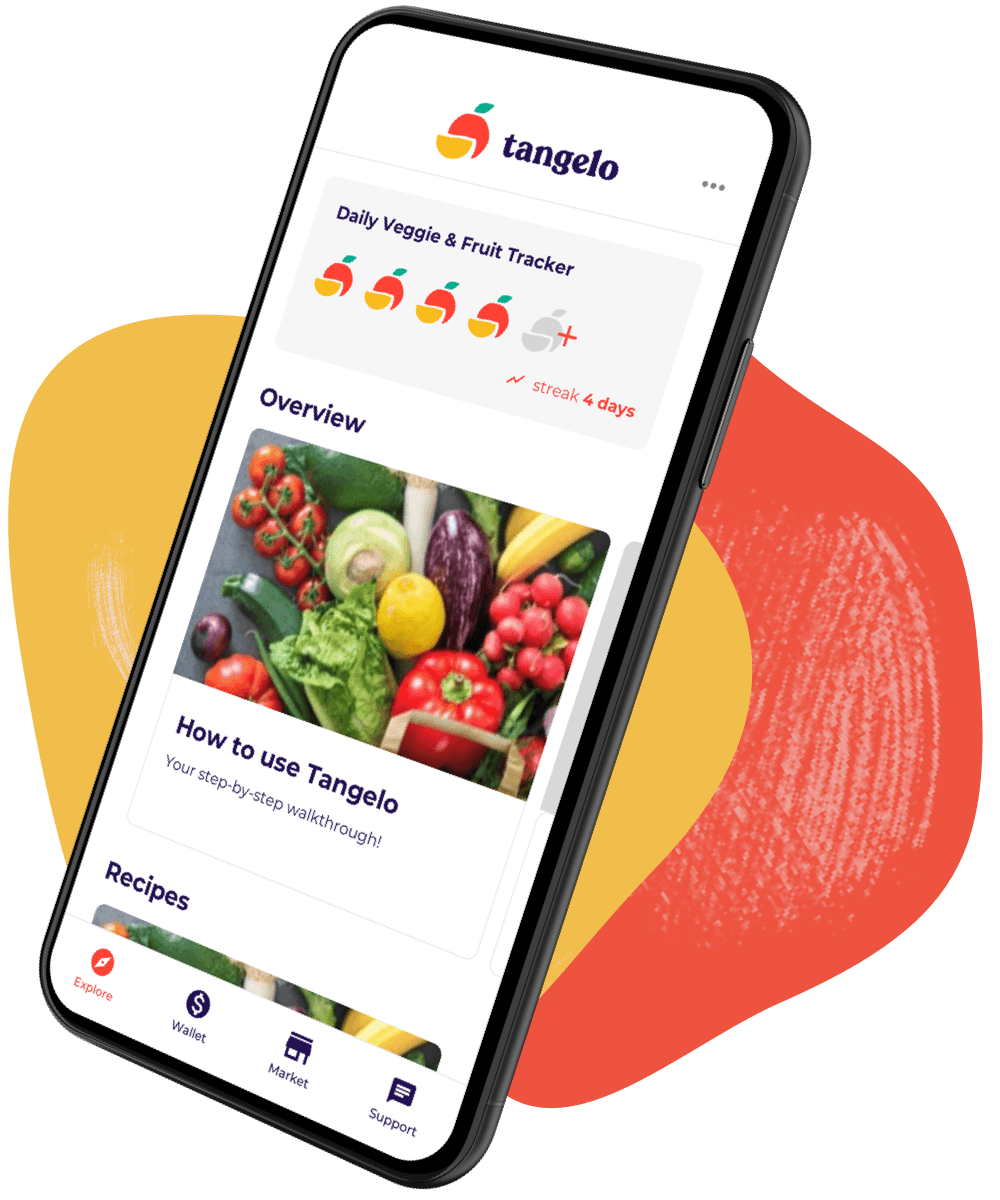
Tangelo is available for iPhone and Android. Eligible participants are texted a link to download the app, and simply enter the mobile phone number they applied with to login.
3. Take Diet
Assessment
Complete the easy in-app Diet Assessment to finalize your enrollment for the program and access your benefit in the in-app Tangelo Wallet.
4. Order Healthy
Food
Spend your funds in Tangelo’s in-app mobile market on a selection of healthy food boxes sourced from local suppliers and get your order delivered to your doorstep.